Spatial products for real places
One space. Four ways to put it to work.
iSpace turns buildings and sites into something you can survey for solar, walk through, track week by week and find your way around.
About iSpace Works
Digitisation is the core. The solutions are built around what each market asks of it.
Everything we make starts from one capability: turning a real place into an accurate digital copy of itself.
We capture buildings, rooftops and sites with 360° cameras and 3D scanning, then turn that capture into something you can walk through, measure, share and compare over time. That part does not change from one customer to the next.
What changes is what people need the digital copy to do. A solar installer needs a roof measured and shade-checked in a single visit. A developer wants buyers to step inside a home before it is built or visited. A project team wants to see what changed on site since last week. A large venue needs visitors to find their way indoors.
So instead of one tool stretched to fit everyone, we craft a solution for each demand, all on the same foundation. As new needs come up, we build on that core again.
One core · four solutions so far
iSpace Solar
One walk of the roof becomes a measured 3D model, year-round shade and a report.
Rooftop solar surveyiSpace Twins
Tours with controls beyond a standard 3D tour: your edits, your brand, your hosting.
Digital twin toursiSpace Monitor
Weekly 360° site walks become dated tours, change maps and a progress report.
Project monitoringiSpace Nav
An authoring tool to bring your MultiSet maps to life as AR directions.
AR navigation authoringHow they fit
Use one. Or let them build on each other.
Each product stands on its own. Side by side, they cover a place from the first survey to the day people need to find their way around it.
- Solar
Survey the roof
A measured 3D model and year-round shade for the solar design.
- Twins
Capture the space
A tour everyone can open, branded and hosted your way.
- Monitor
Track the work
Weekly walks, compared date by date and against the plan.
- Nav
Guide people through it
AR directions for visitors, staff and crews.
iSpace Solar · How it works
One walk of the roof, measured and shade-checked.
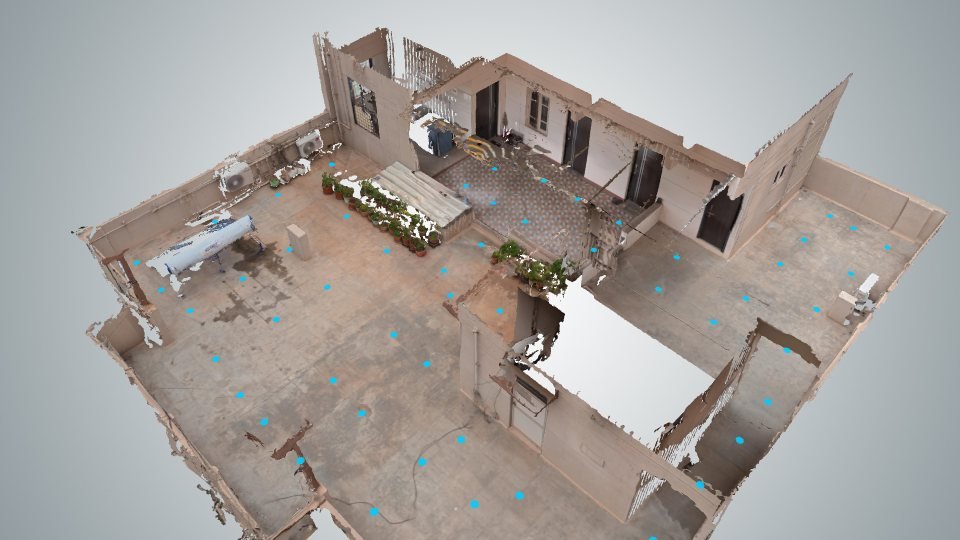
A surveyor walks the terrace with a 3D scanner. The scan becomes a measured model, the sun is traced across the year, and the panel layout and report follow from that.
01 · Rooftop solar survey
iSpace Solar
Survey once. Design with certainty.
iSpace Solar turns one walk of the roof into a measured 3D model your designer works on, a year-round shade analysis and one clear report. It is built for rooftop solar installers, so every proposal starts from facts, not estimates.
- Captured in one visitEvery surface and obstruction measured in 3D: tanks, stair-heads, parapets, pipes and vents.
- Shade, all yearThe sun traced from 9 AM to 4 PM through all twelve months, so shade is never a surprise.
- A 3D model to design onYour designer works on the measured roof itself, with every input pinned in place.
- Layout and generationPanel placement that respects every obstruction, with roof capacity and estimated annual output.
iSpace Twins · How it works
From camera to published tour, in seven steps.
Capture each room with a 360° camera and upload from the app. We process it in the cloud. Then add labels and images in the studio, and publish a link or host the tour yourself.
iSpace Twins · Your own panoramas
Already shooting 360°? Two more ways to build a tour.
Capture on any 360° device, keep a line of sight between spots, and upload: we build the full 3D tour. Or skip 3D. Place your panoramas on a floor plan you upload or draw, and we align them into a tour that keeps your point of view as you move.
02 · Digital twin tours
iSpace Twins
Capture with a 360° camera. Publish it as your own tour.
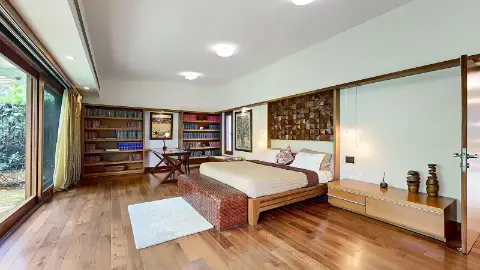
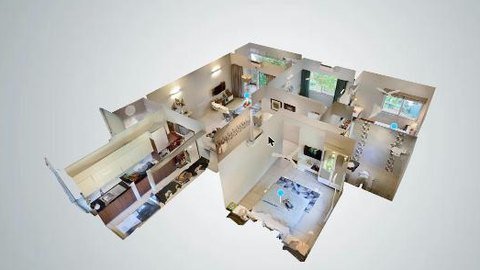
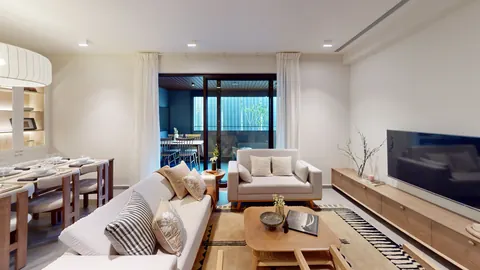
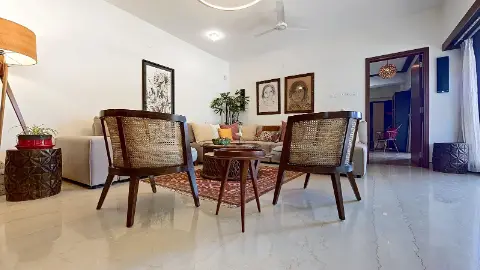
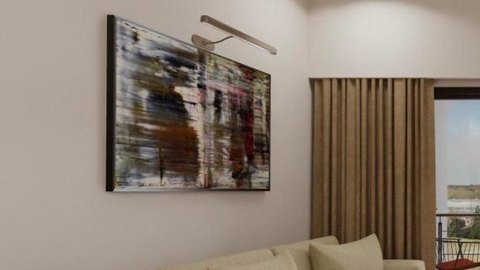
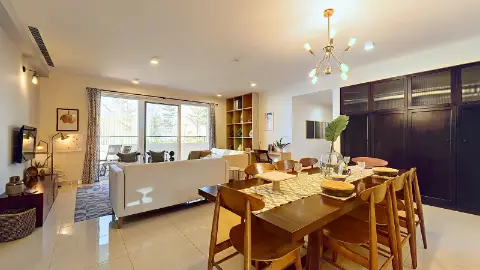
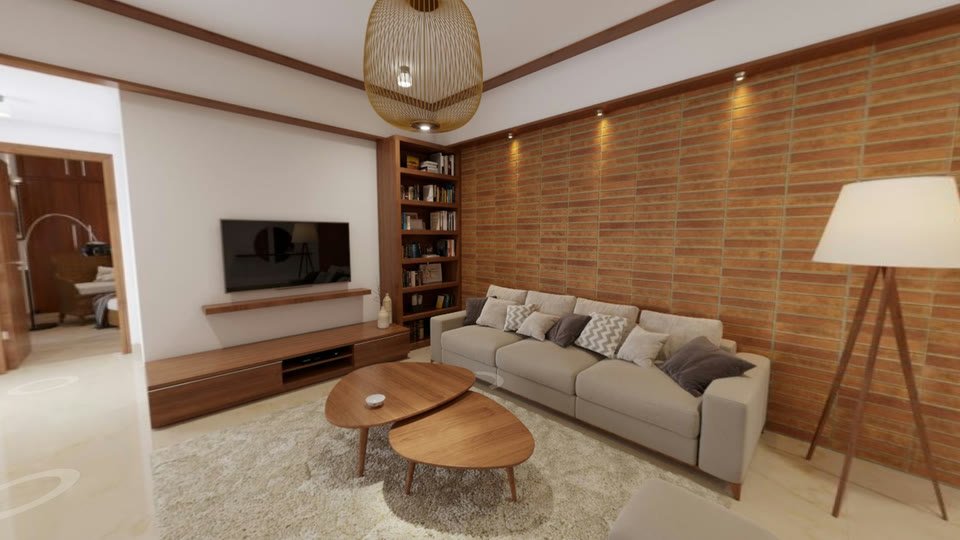
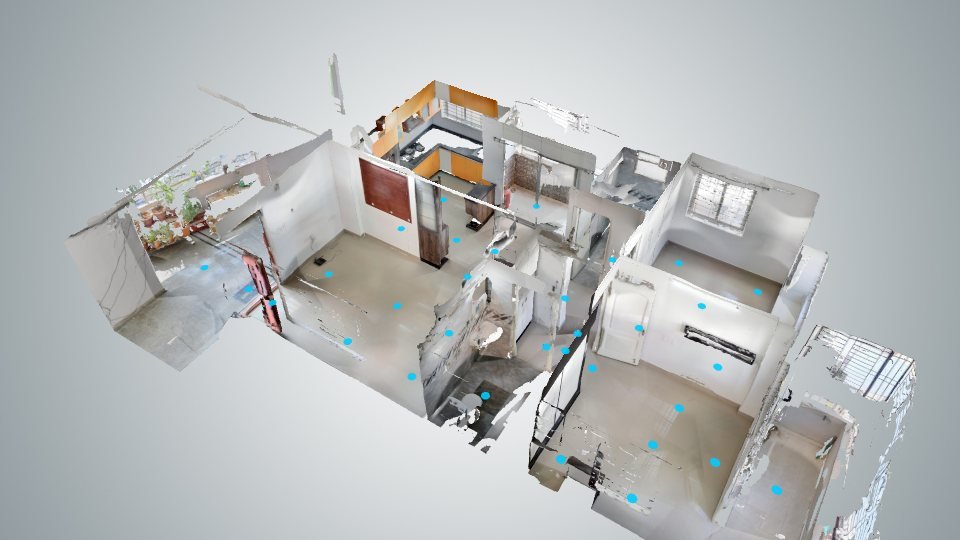
iSpace Twins turns a set of 360° captures into a tour people can walk through, view as a dollhouse or follow on a floor plan. You edit it in the studio, put your own brand on it, then publish a link or download the whole tour and host it yourself.
- Walkthrough, dollhouse, floor planThree ways to see the same space, with a minimap that shows where you are.
- Tags, labels and highlightsAdd notes, infographics and images wherever they help, and line up the views worth seeing first.
- Your brand on itYour logo, linked to your website, placed where you want it on the tour.
- Share it your wayPublic, password-protected or private. Send a link, embed it, or download the tour and host it yourself.
- Offline, native appsRun the tour with no internet connection, as a native app for Windows and Mac. Made for site visits, sales galleries and exhibitions.
Why iSpace Twins
Your space, on your terms.
- 1Easy to get startedCapture, upload, done
A 360° camera and the iSpace app are all you need. Capture, upload, and the tour is processed in the cloud.
- 2Brand itAfter all, it is yours
Your logo on the tour, linked to your own website. Visitors see your name.
- 3Self-hostYou own it
Download the complete tour and run it on your own server. The files are yours to keep.
- 4Customise itEveryone is unique
Tags, labels, infographics, highlights and a floor plan, placed where they help your visitors.
iSpace Monitor · How it works
Walk the site each week. See it on any date.
One person walks the floor with a helmet-mounted 360° camera. Each walk becomes a 3D scan and a tour, lined up so you can compare dates, see what changed and get a progress report.
03 · Project monitoring
iSpace Monitor
See your site on any date.
One person walks the site each week with a 360° camera on a helmet. iSpace Monitor turns every walk into a 3D scan and a walkable tour, lines the dates up to the same site, and shows what changed, what is behind plan and what is still open.
- A weekly walk, hands-freeA 360° camera, a phone with the iSpace app, a helmet mount and the floor plan. One person, one route.
- Compare any datesTwo dates side by side and in sync, four at once, or swipe between two to see exactly what changed.
- Change map and plan checkChanges marked on the floor plan, with anything planned but not found flagged.
- Progress reportEvery capture, progress by trade, plan against actual, and the items still open.
Sample project
Walk one site across five dates
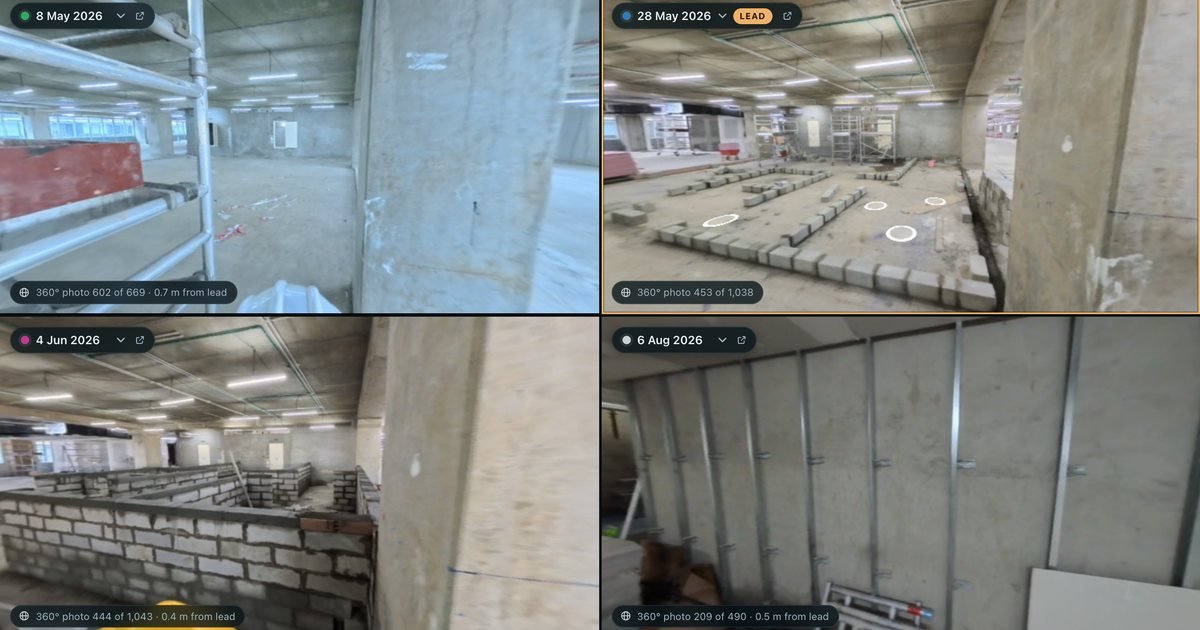
- Look aroundDrag inside any view.
- Walk the siteClick the rings on the floor.
- Compare datesEvery view follows the one you move.
- Jump anywhereClick a spot on the floor plan.
Five 360° site walks of one floor, lined up so you can compare them.
Founding partner beta
Build it with us.
Use the platform on live projects, shape it around the way you work, and benefit from every improvement as it lands.
- Early access, on live projectsPut the platform to work on real jobs throughout the beta.
- Shaped around your workflow*Work directly with our team to tailor it to how you work.
- Founding-partner savingsPreferential billing on your platform plan after launch, as our thank-you for building with us.
- A say in what comes nextYour feedback helps set our priorities, and every improvement reaches you as it ships.
Open now: iSpace Solar. We are inviting four solar companies that survey rooftops regularly and want a hand in shaping the tools they rely on. Four founding places. One could be yours.
*Customised solutions are subject to mutual agreement.
See it on your own space.
Pick the products you are curious about and we will set up a walkthrough using a site like yours.